1. Where is the recording icon? The recording feature is located in the top toolbar of your note interface (look for the microphone icon).
? Important note for small screens or portrait mode: The recording icon is placed towards the end of toolbar. If you are using a device with a narrower screen (like a smartphone) or are currently in portrait mode, simply swipe or scroll horizontally on the toolbar to reveal the hidden recording icon.
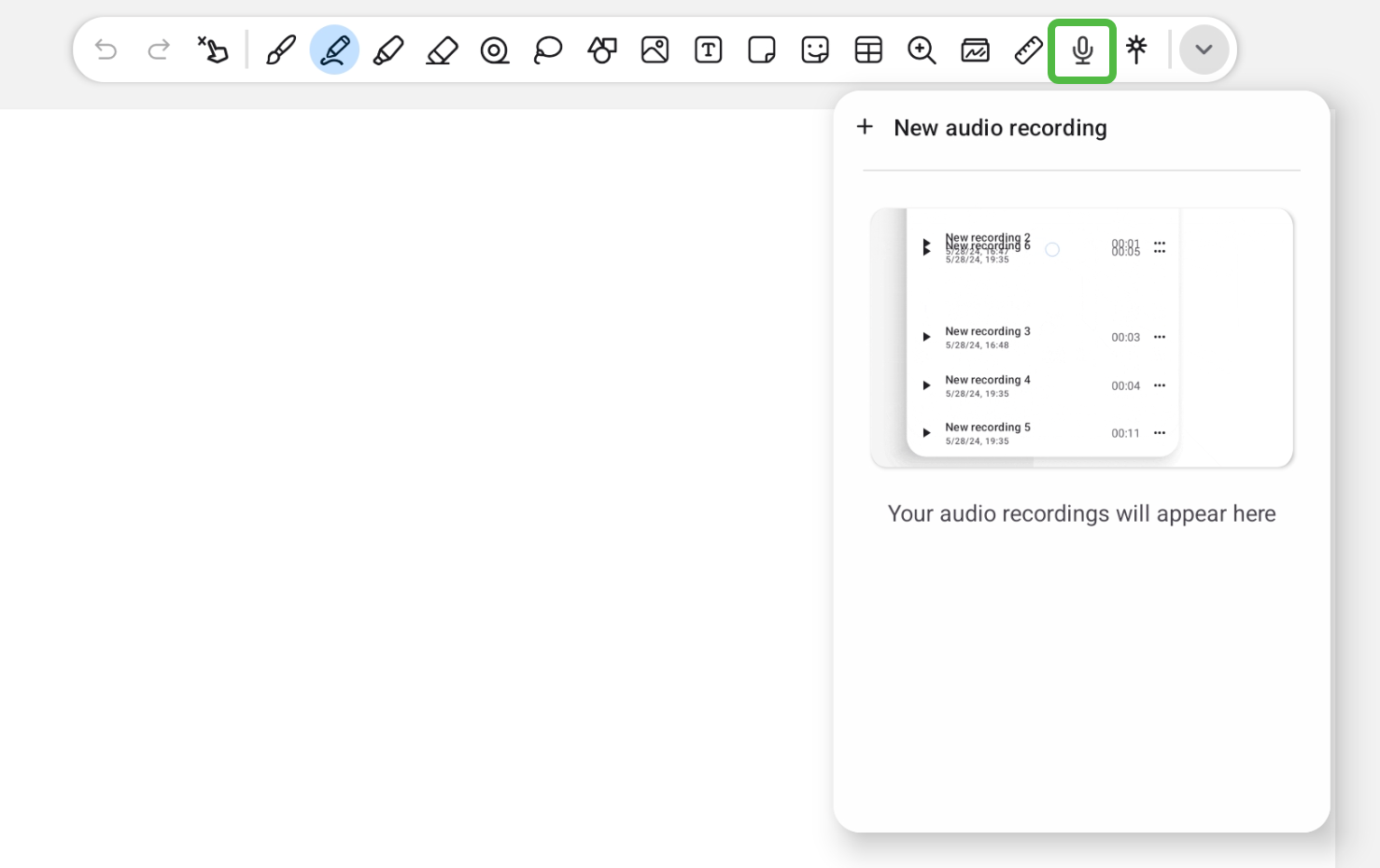
2. How do I start recording? Once you have found the recording icon, simply tap it once to start your recording.
3. Where are my saved audio recordings? To view or play your previously saved recordings, you don't need to look elsewhere. Just tap the same recording icon in the toolbar again to open the list of all saved audio files for your current note.