Will I pay the full price when upgrading my existing Notewise AI & Cloud plan?
Learn how prorated charges work when upgrading your Notewise AI & Cloud plan before your current subscription ends.
If you upgrade to a higher-tier Notewise AI & Cloud plan while your current subscription still has remaining time, you will only pay the prorated difference at the time of upgrade.
Google Play Store, Apple App Store, or Stripe will calculate the prorated amount based on your current subscription and the new plan. Starting from your next billing cycle, you will be charged the full price of the new plan.
Apple App Store & Google Play Store
For purchases made through Google Play Store or Apple App Store, please complete the upgrade inside the Notewise app to ensure proration is applied correctly. Switching plans directly in Google Play Store or Apple App Store may not apply the correct prorated value and could result in multiple active subscriptions.
Things to note to ensure proration is applied correctly:
When upgrading your existing plan, please make sure you are using the same Google Play or App Store account that was used to purchase your current subscription.
Please make sure your existing Notewise AI & Cloud subscription is active and has NOT been set to “cancelled”. If you have already cancelled it, please go to your Google Play or App Store subscription management page and resume or resubscribe to your current plan before upgrading through the Notewise app.
If you upgrade while your existing plan is set to cancel, you may be charged the full price of the upgraded plan.
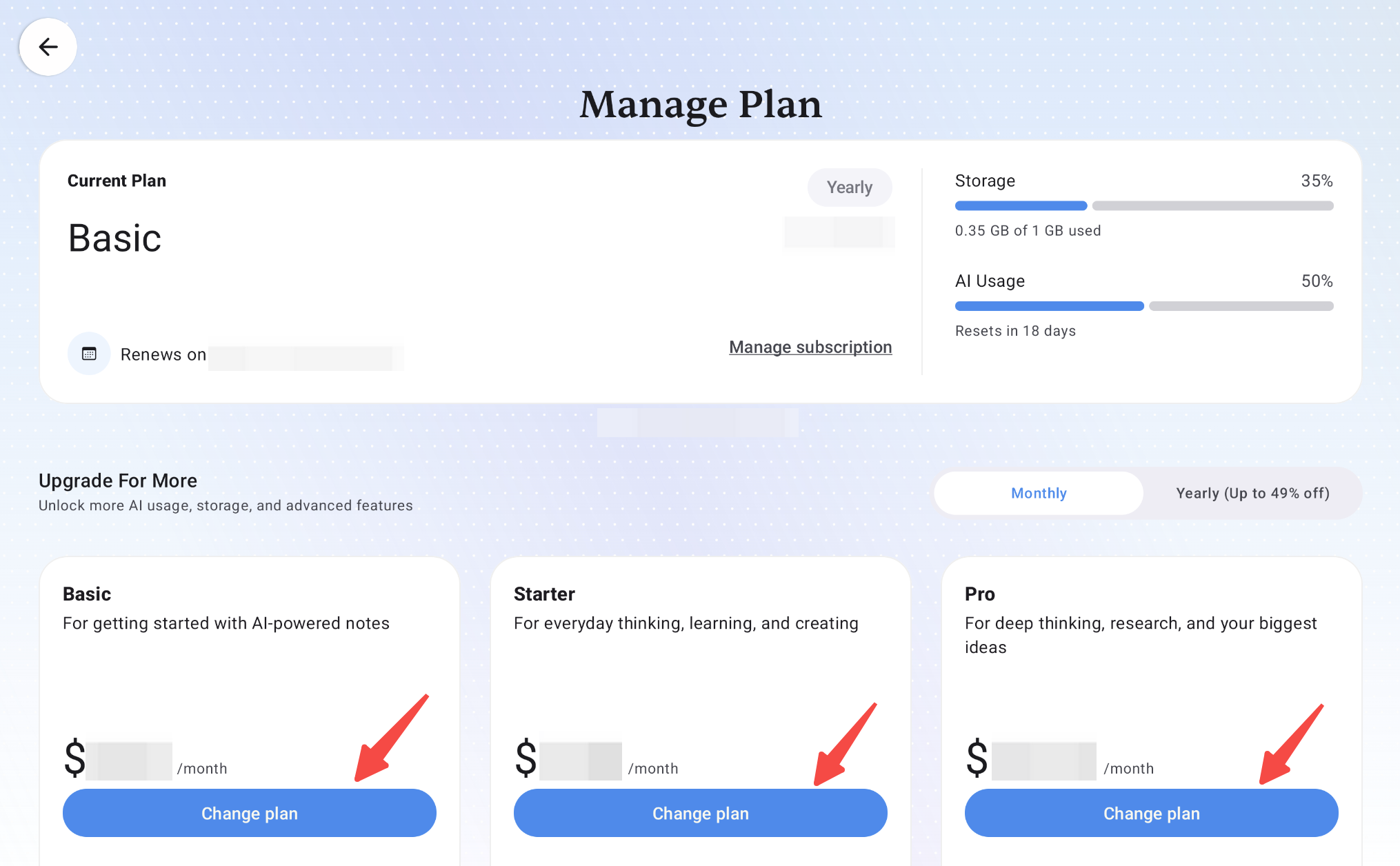
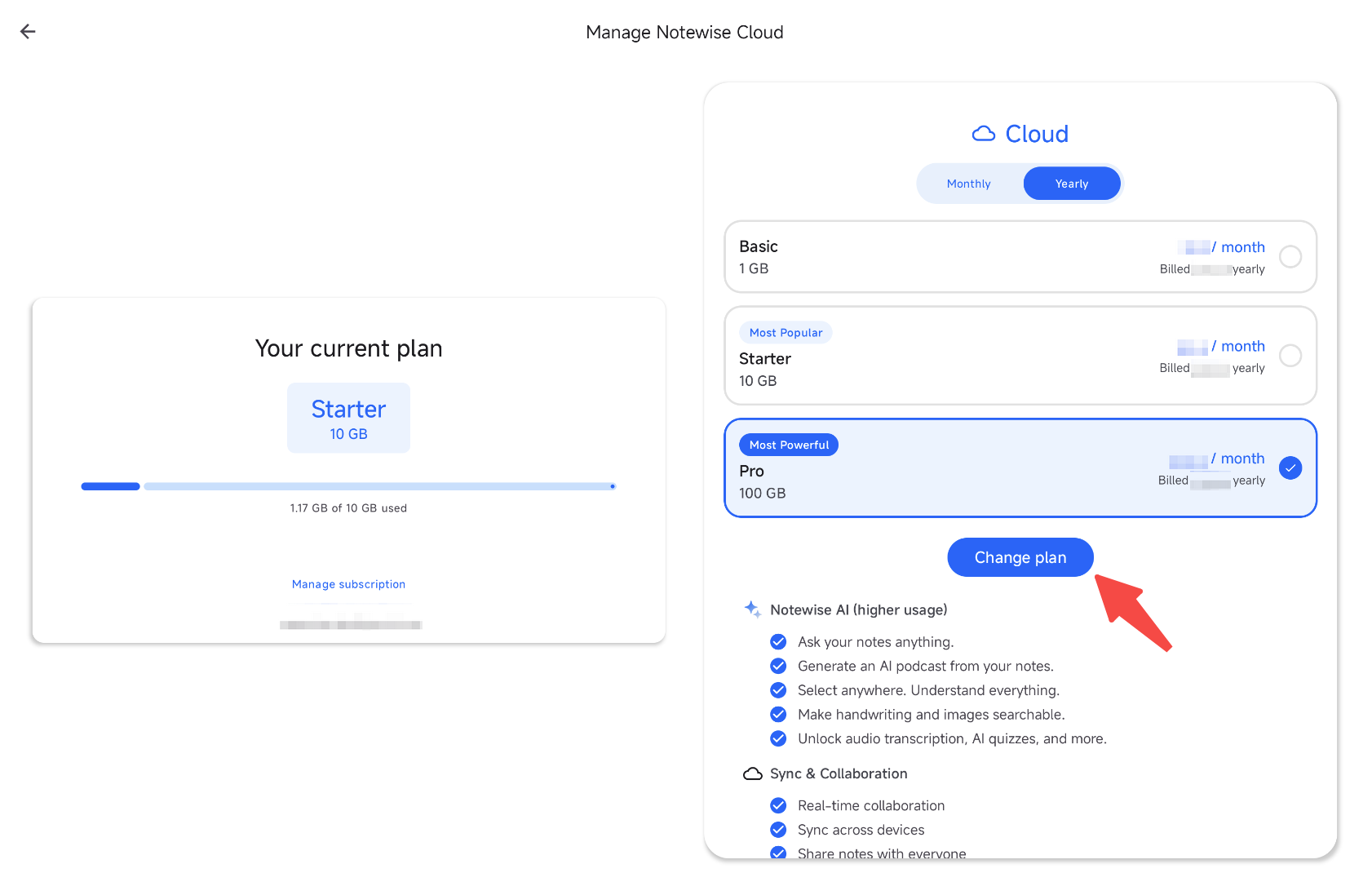
Stripe
For purchases made through Stripe or the official Notewise website, please complete the upgrade through the Stripe customer portal: here.
In the customer portal you can change your plan or switch between monthly and yearly billing. Upgrades take effect immediately and you only pay the prorated difference; downgrades and switches from yearly to monthly take effect at the end of your current billing period.
Was this helpful?
Still need help? Ask the team