How to add bookmarks
You can quickly bookmark any page in your note to find it later.
You can quickly bookmark any page in your note to find it later:
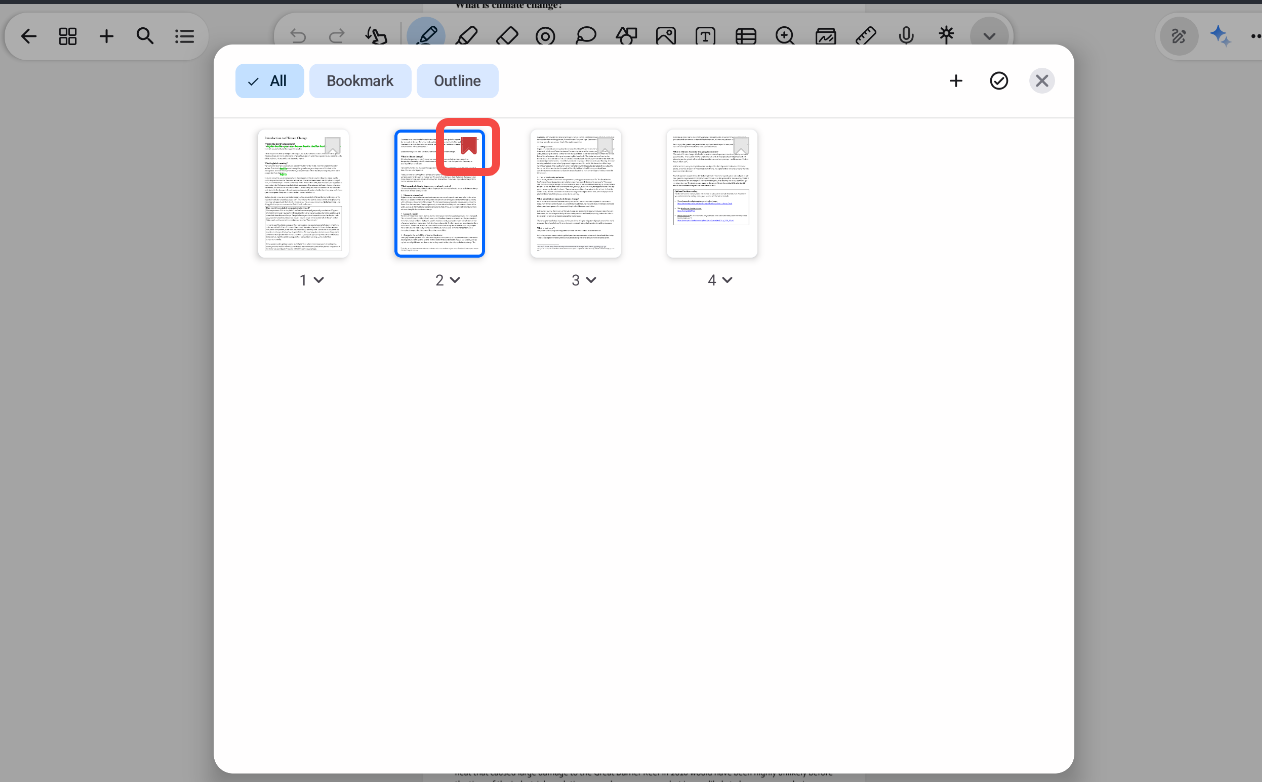
- Open the note and tap the Overview button at the top-left corner of the screen.
- Find the page you want to bookmark in the thumbnail list.
- Tap the Bookmark icon in the top-right corner of that page’s thumbnail.
Once added, the page will be marked as bookmarked. To view only your bookmarked pages, use the Bookmark filter in the overview.
Was this helpful?
Still need help? Ask the team