How do I insert vertical space into my handwriting?
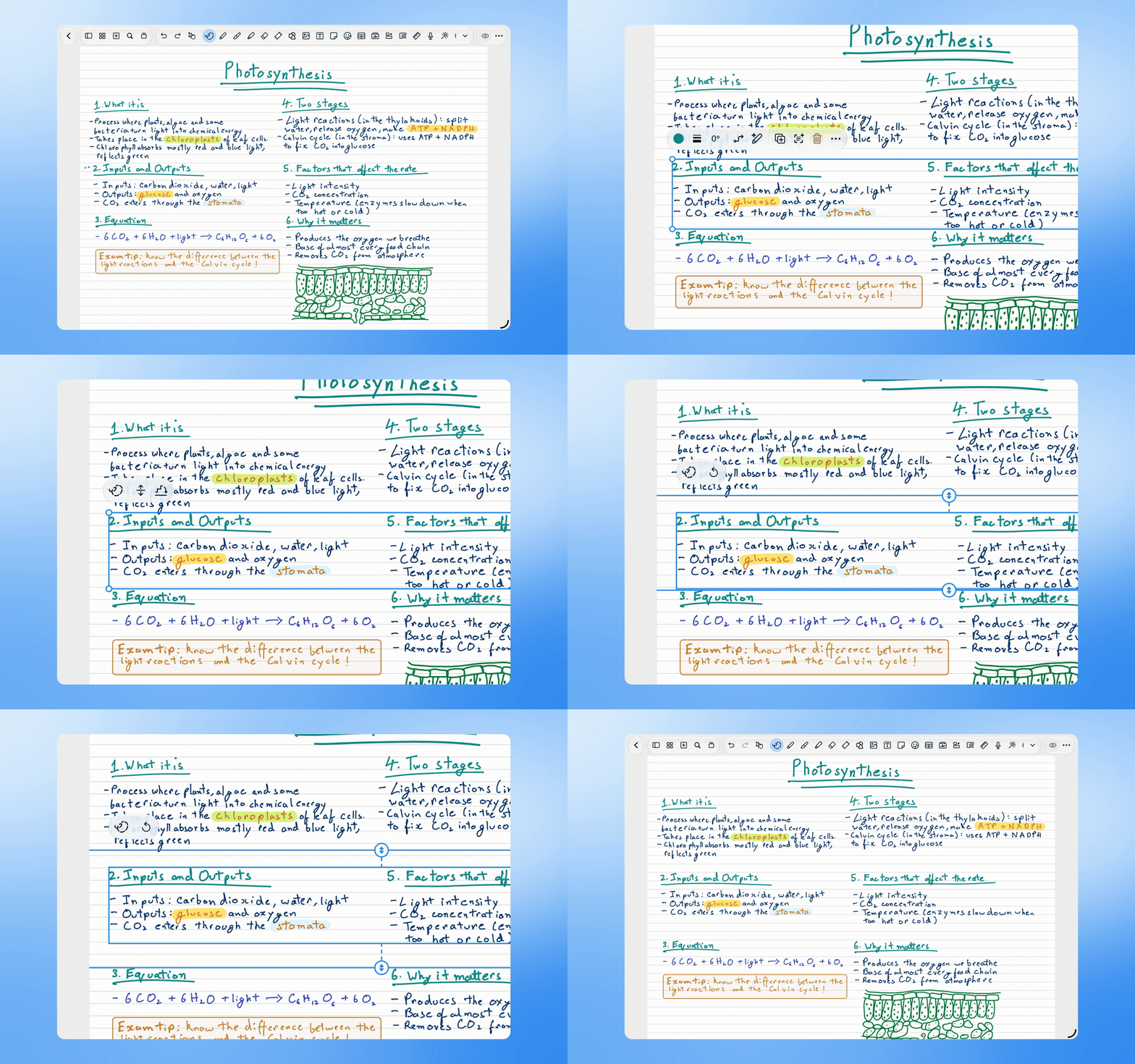
Select the objects, open Smart Ink, then tap Insert Space. Drag the arrow handles or the line to move surrounding content up or down while keeping the selected objects in place.
Was this helpful?
Still need help? Ask the team