How to turn Snap to Align on or off?
Snap to align is by default turned on, helping you align objects when moving and resizing with lasso.
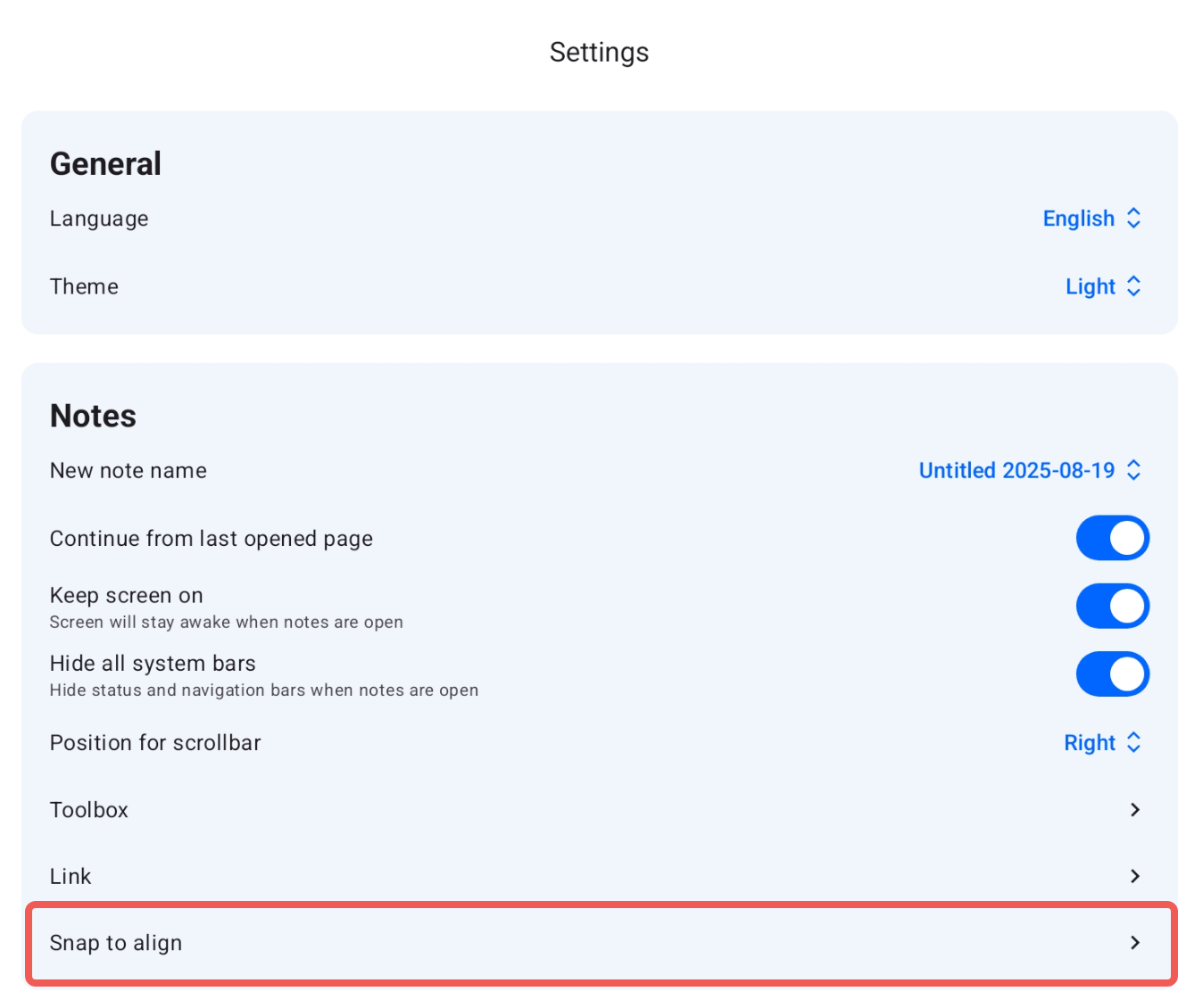
Snap to align is enabled by default to help you neatly align objects when moving or resizing them with the lasso tool. If you’d prefer to move objects freely without alignment snapping, you can turn this option off in Notewise Settings → Notes → Snap to align.
Was this helpful?
Still need help? Ask the team