Translate and search selected text
Learn how to search or translate selected text using supported apps installed on your device.
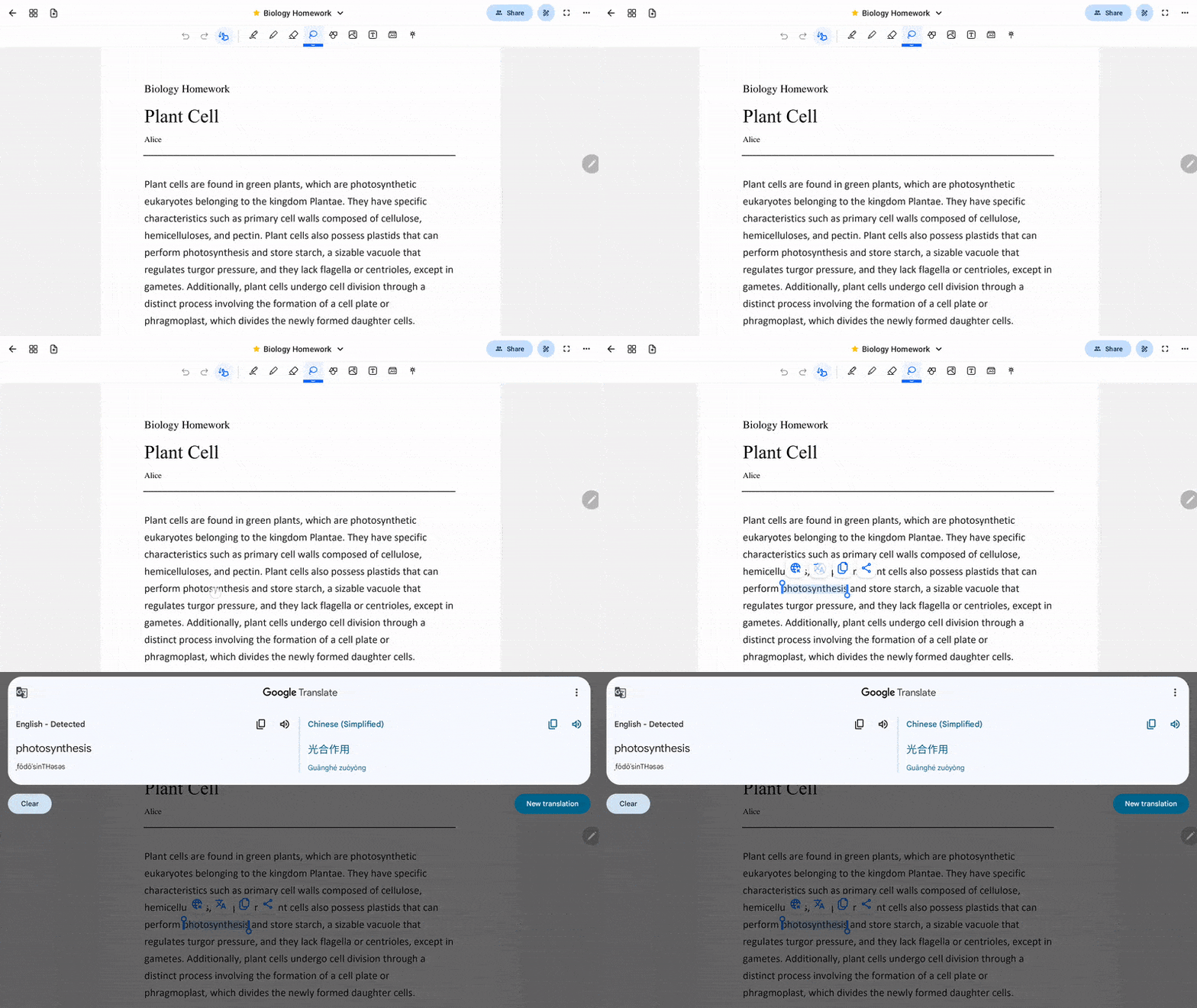
After selecting the text, you may tap the Search button to search for the text from a relevant app on your device.
To translate the selected text, make sure your device has a translation app installed, like Google Translate, DeepL Translate or other similar apps. Tap the Translate button and the translation will show up as a popover from your selected translation app.
For HONOR device users, if translation redirects you to Smart Writing instead of your translation app, please refer to this article to reset the default translation app.
How to Reset the Default Translation App in Notewise
If you need help on text selection, please refer to this article for more help: Select text in PDFs and text boxes.
Was this helpful?
Still need help? Ask the team