How to rotate pages
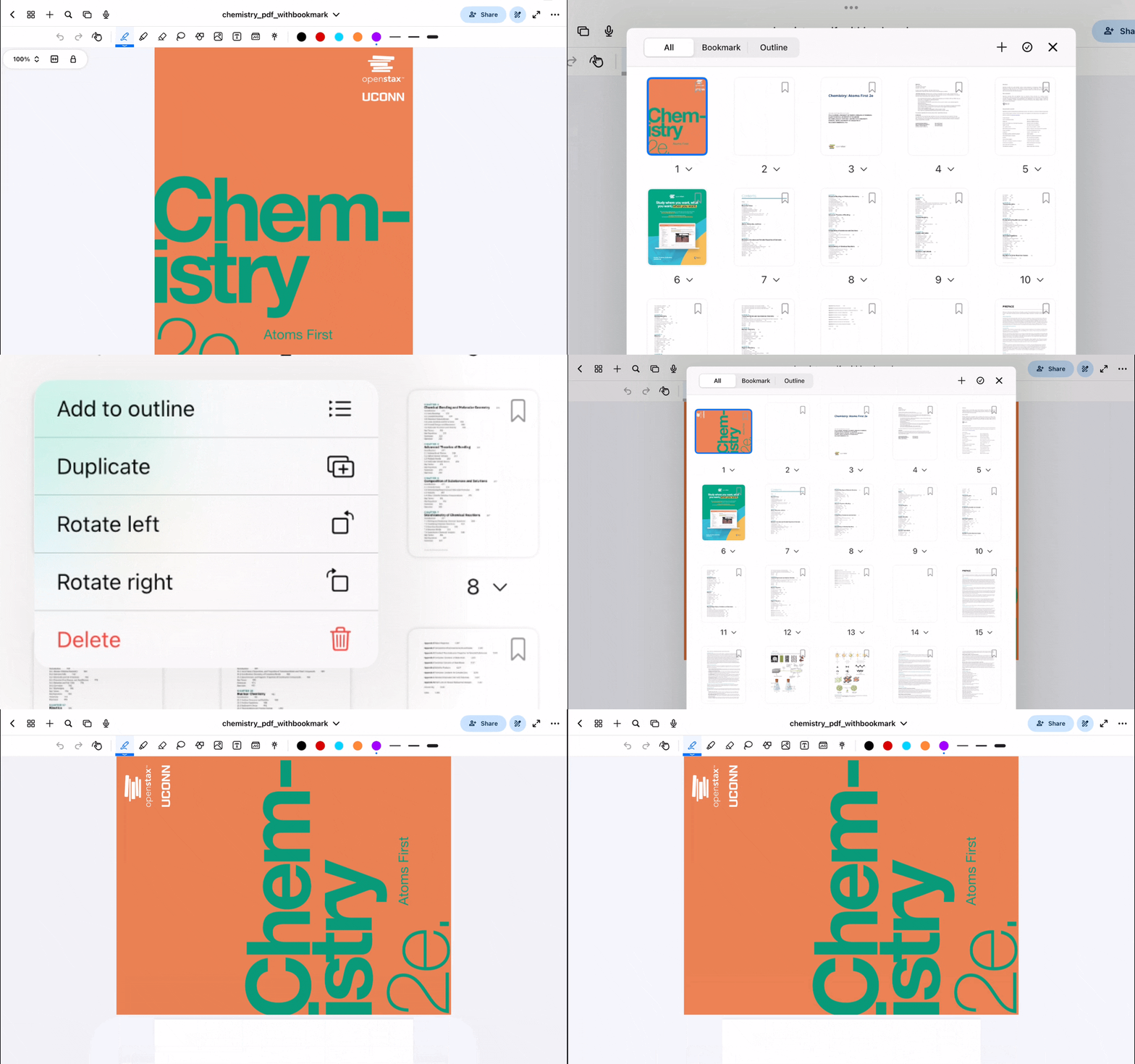
Select the dropdown menu on any page thumbnail within the Outline view to change its orientation by rotating it left or right.
- Tap the Outline button on the top-left corner of the screen
- Tap the dropdown button on the page that you'd like to rotate
- Tap Rotate left or Rotate right
Was this helpful?
Still need help? Ask the team