Adjust eraser settings
Learn more about how to customise your eraser settings.
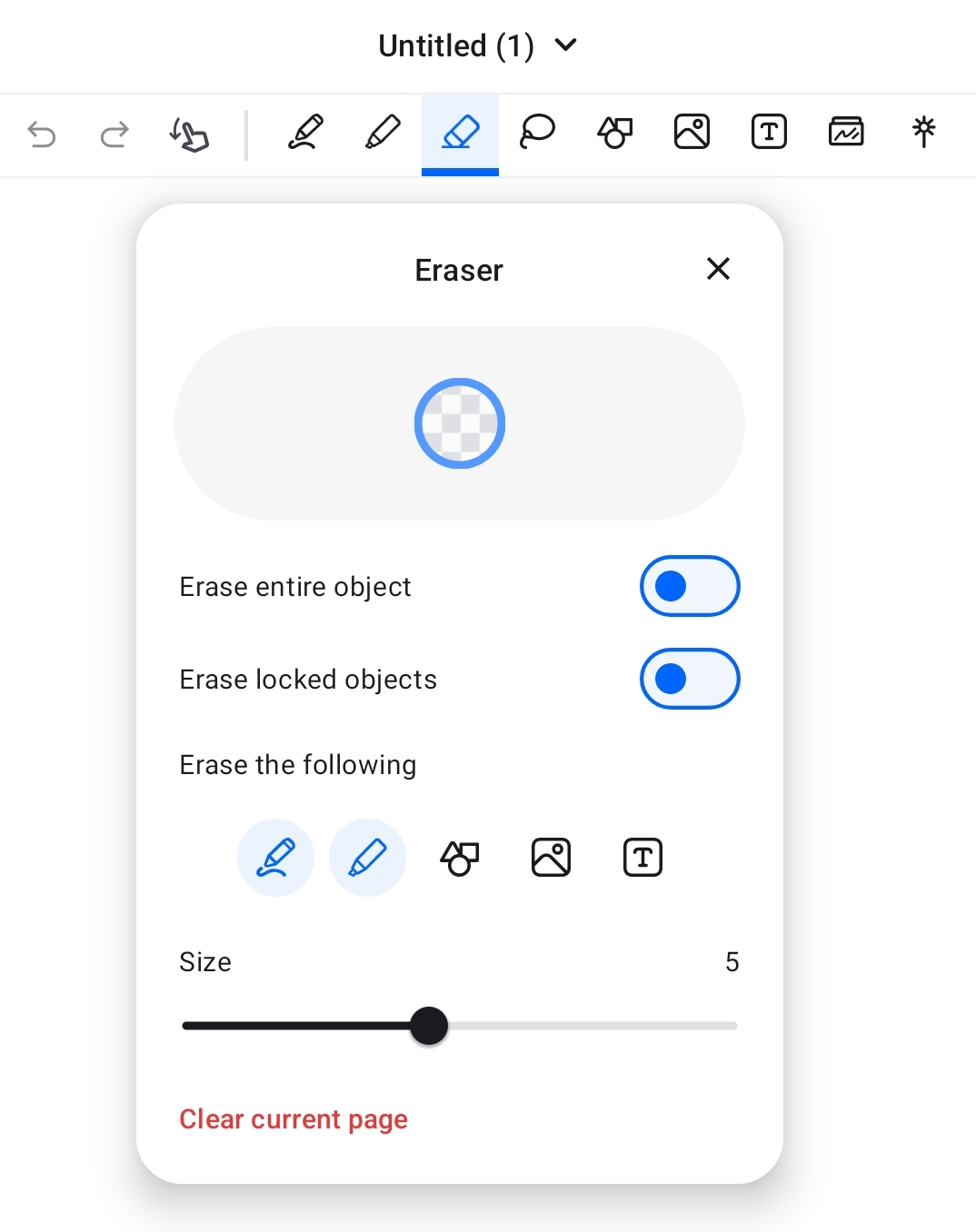
To open eraser settings:
- Select eraser tool from toolbar.
- Tap on the eraser tool once more.
When "Erase entire object" is enabled, an entire object (e.g., an entire stroke) will be erased.
When "Erase locked objects" is enabled, locked objects will become erasable.
You can also adjust the types of objects that can be erased, by default only Pen and Highlighter are erasable.
For Scribble to erase, please refer to this article for details: Scribble to erase handwriting
Was this helpful?
Still need help? Ask the team