How to create perfect shapes?
Align your hand-drawn strokes with the red visual indicators to snap squares, circles, and other polygons into precise geometric proportions.
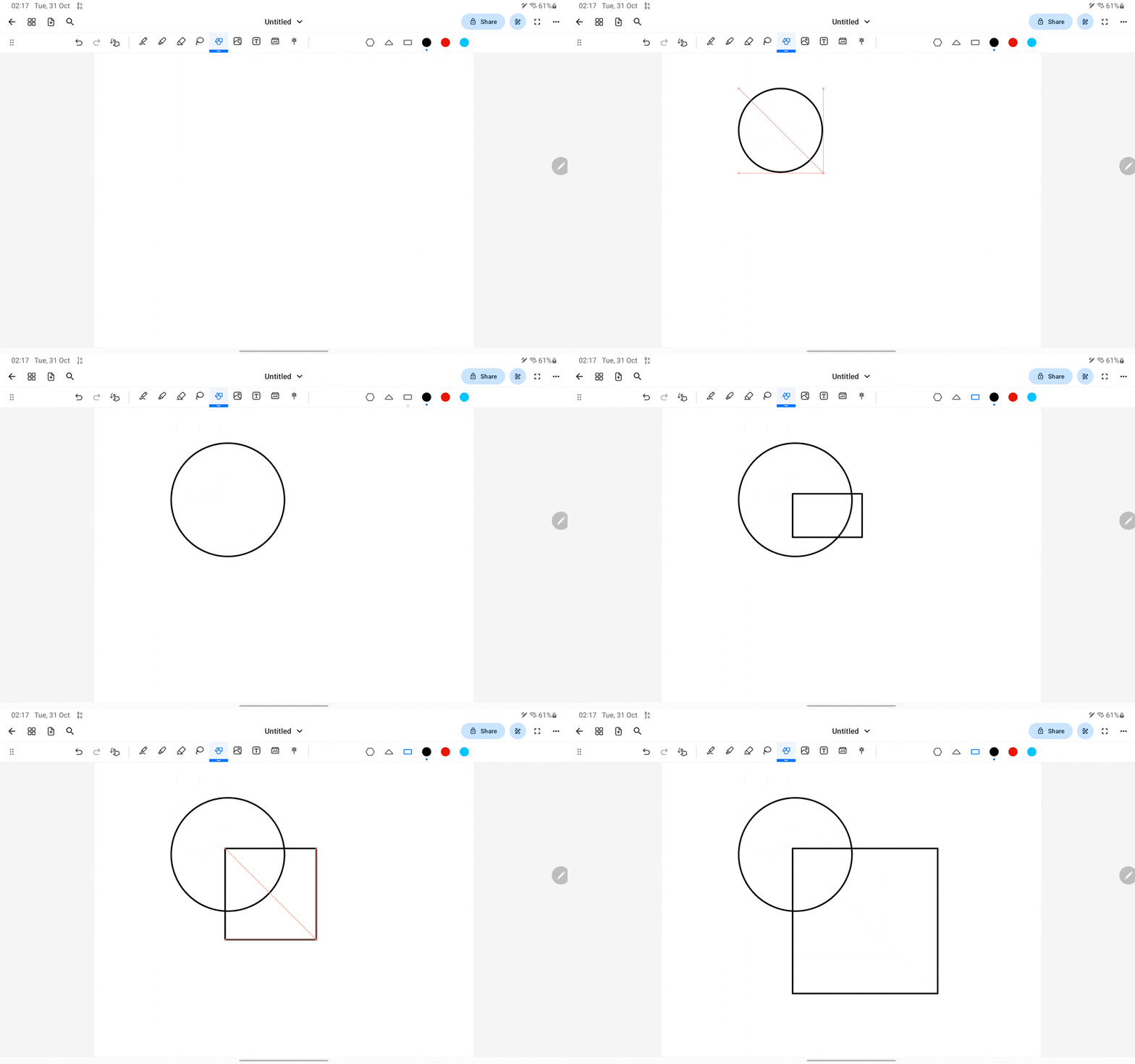
When creating shapes, Notewise will show a red guideline when you're close to creating a perfect shape, for example, a square or a round circle. You can create a perfect shape by following the red guideline and dragging until it reaches your desired size.
Was this helpful?
Still need help? Ask the team