How to change toolbar position?
To move the toolbar to top or bottom, long tap the drag indicator at left of the toolbar. Wait until the blue indicator show up, then drag it to your desired position.
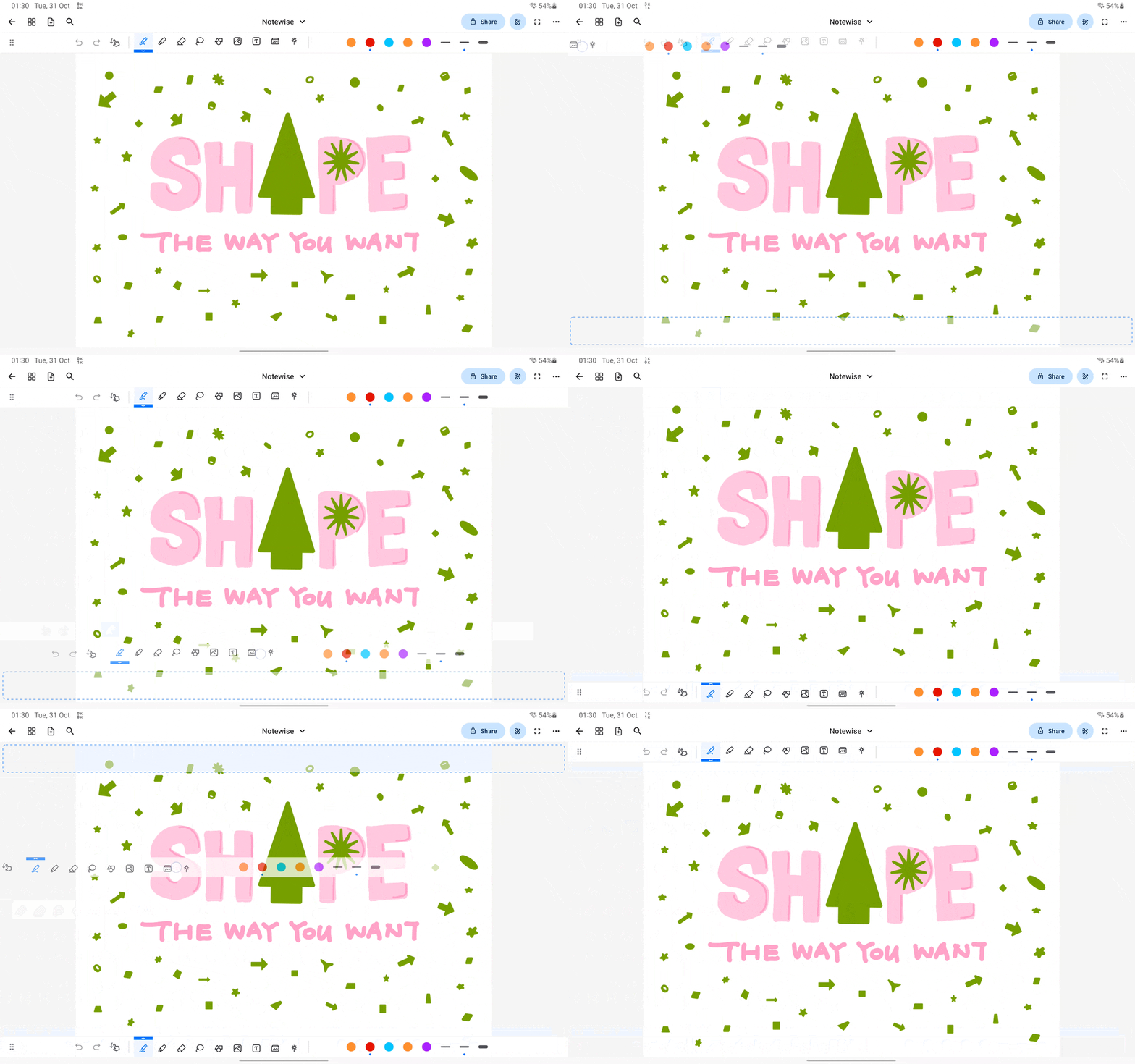
Note that this feature is supported on tablets landscape mode only.
To move the toolbar to top or bottom, long tap the drag indicator at left of the toolbar. Wait until the blue indicator show up, then drag it to your desired position.
Was this helpful?
Still need help? Ask the team