Scribble to erase handwriting
Scribble over specific pen or highlighter strokes with the Pen Tool to instantly delete handwriting from your digital document.
You can use your pen to erase your notes, just like crossing out mistakes with a pencil. All you have to do is scribble over the words or lines you want to erase and they will magically disappear. Only handwriting content created with the Pen or Highlighter tools can be erased.
Use Scribble to Erase
Write a word or sentence.
If you notice something that you aren’t happy with, scribble over the strokes with your Pen Tool.
All strokes underneath the scribbled area will be erased.
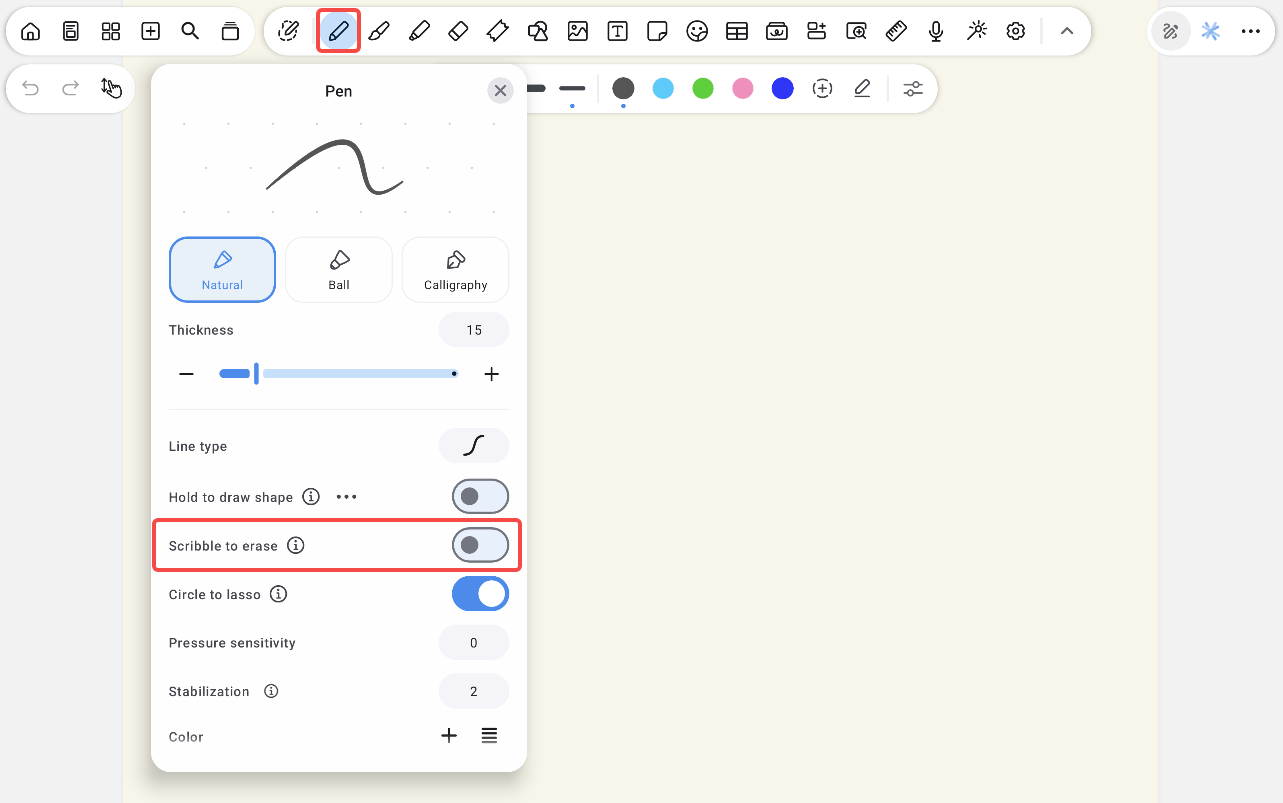
If the feature accidentally gets in the way of your handwriting, you can turn it off:
Tap the Pen tool twice and open pen tool settings.
Disable Scribble to Erase.
Was this helpful?
Still need help? Ask the team