Create and crop an image
Learn more about Notewise's image cropping feature to boost your productivity.
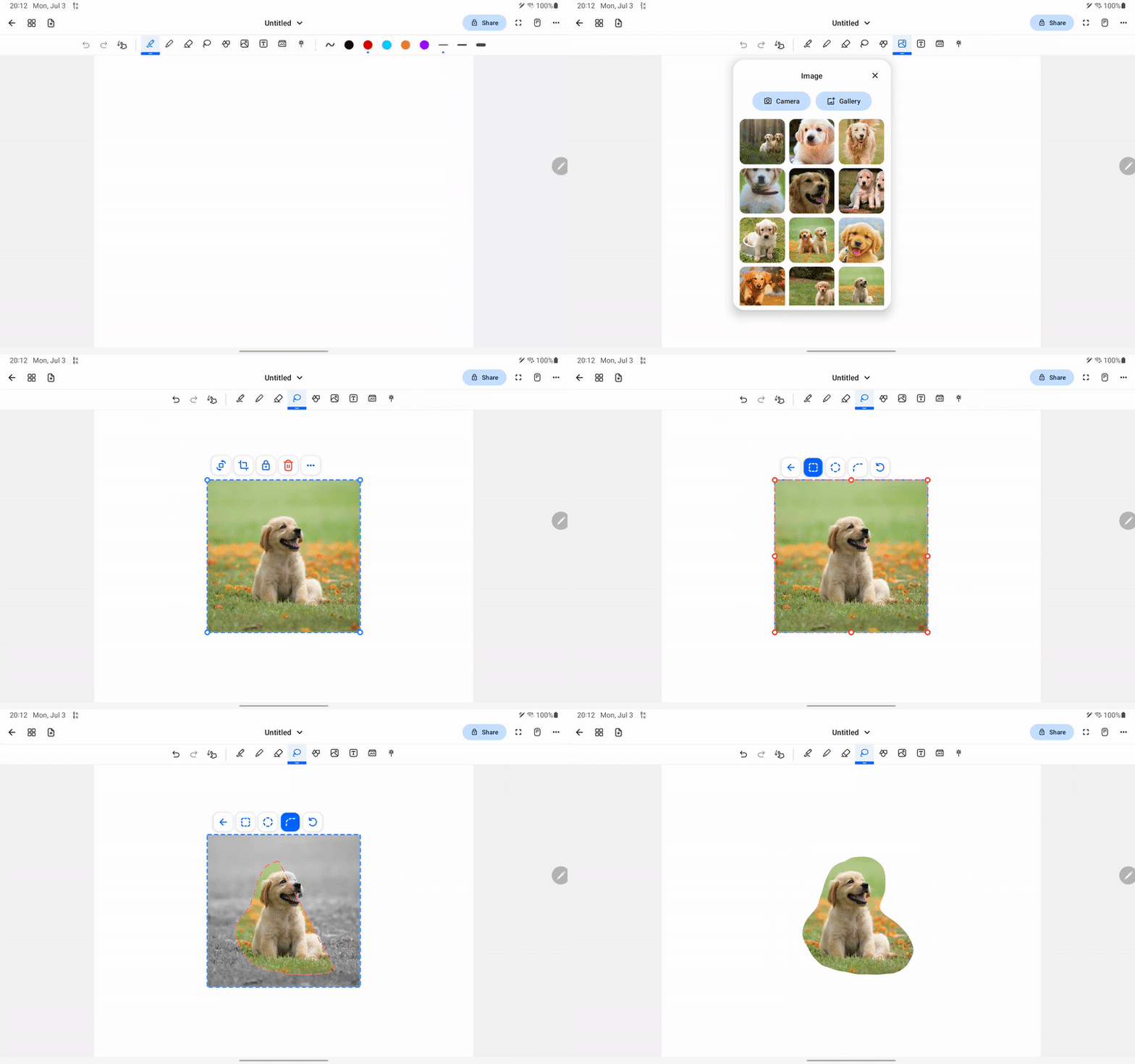
- Select image tool from toolbar
- Select an image and tap or drag to canvas
- Select lasso tool and tap the crop button
- Select from 3 cropping mode: rectangular, oval and free form.
Was this helpful?
Still need help? Ask the team