How to Find Magic Select
Quickly access Magic Select from the Canvas using the long-press context menu.
Magic Select allows you to quickly select content directly from your Canvas.
To access Magic Select:
Open a Canvas in Notewise.
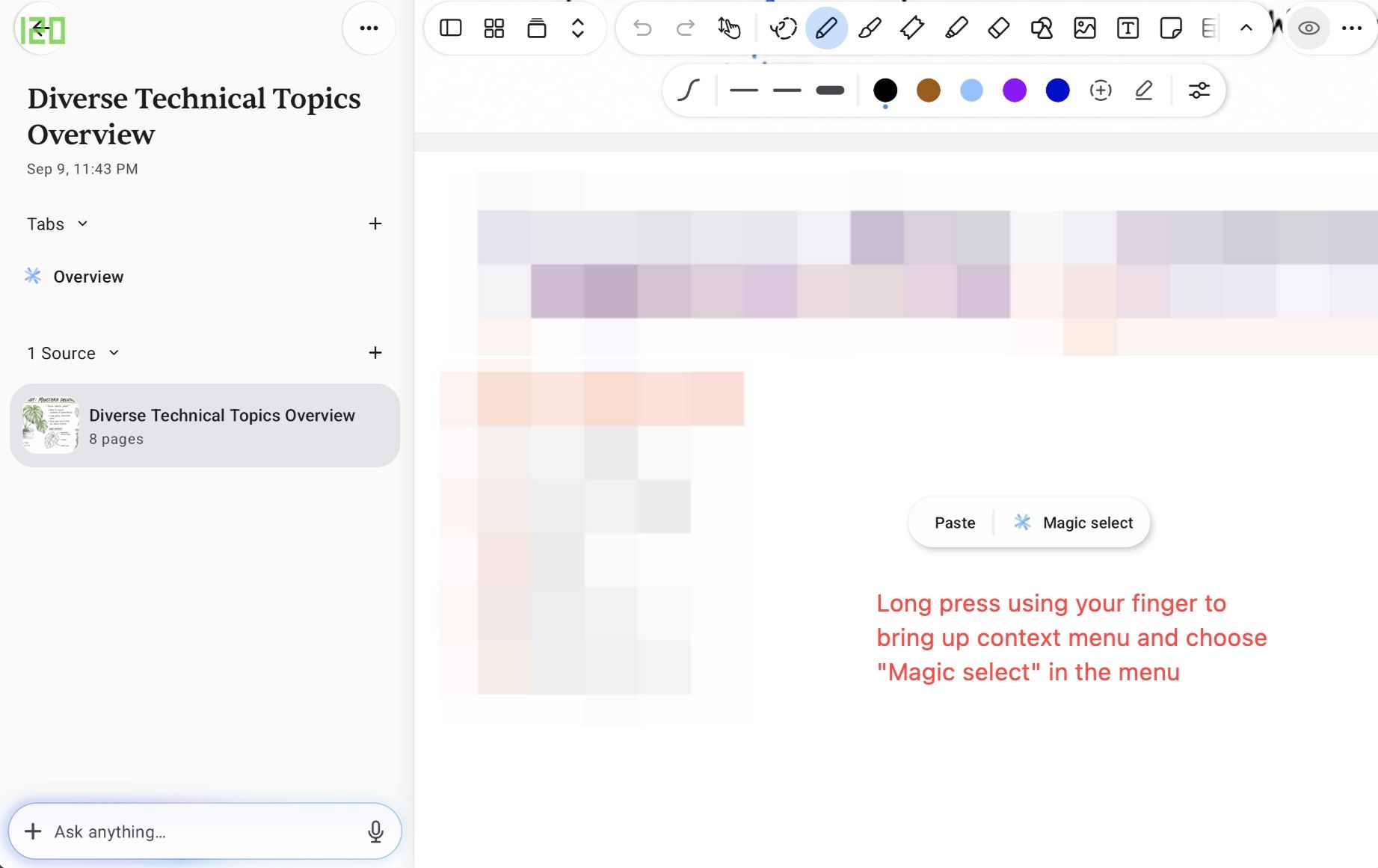
Long-press anywhere on the Canvas using your finger.
The context menu will appear.
Tap Magic select.
You can now select the content you want to work with.
Was this helpful?
Still need help? Ask the team